
Gaming near a window sounds ideal until sunlight starts reflecting across your screen. I love natural light in my gaming room, but bright reflections can make darker scenes hard to see. Whether you’re playing competitive FPS games or exploring detailed open-world environments, poor screen visibility can ruin the experience.
Fortunately, learning how to reduce glare on a gaming monitor near a window doesn’t require expensive upgrades. With better monitor placement, controlled lighting, and a few display adjustments, you can enjoy comfortable daytime gaming without sacrificing your room’s natural brightness.
Why Does Sunlight Cause Glare on Gaming Monitors?
Sunlight creates glare when light reflects off your monitor toward your eyes. These reflections reduce perceived contrast, wash out darker details, and make it harder to follow movements during gameplay.
Glossy monitors often produce sharper, mirror-like reflections, while matte screens scatter incoming light. However, neither finish eliminates glare.
The problem becomes particularly noticeable in dark games, where even minor reflections can hide important visual details. Fortunately, changing your gaming setup near a window can significantly improve visibility.
What Is the Best Gaming Monitor Position Near a Window?
Follow the 90-Degree Rule to Minimize Reflections
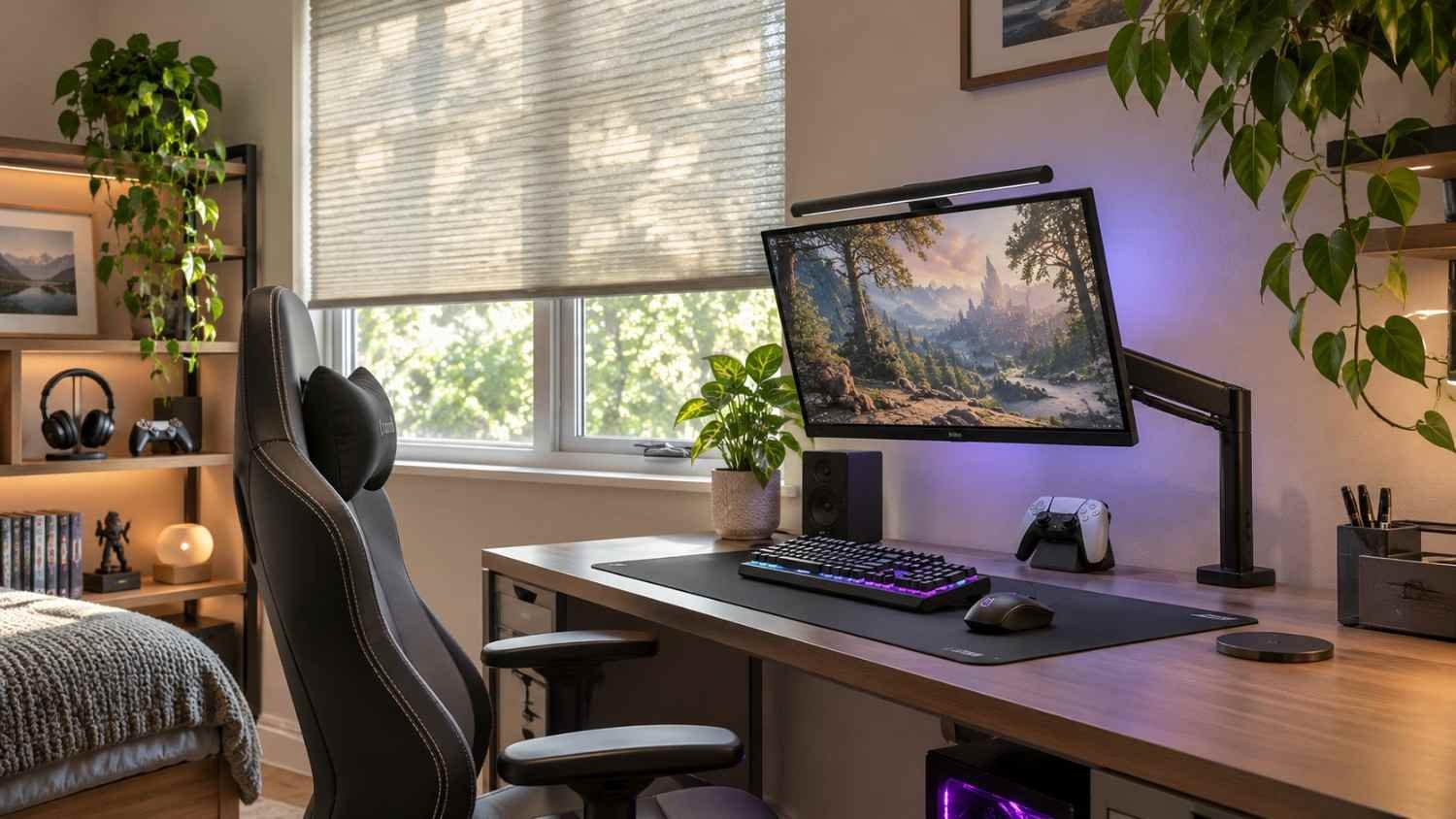
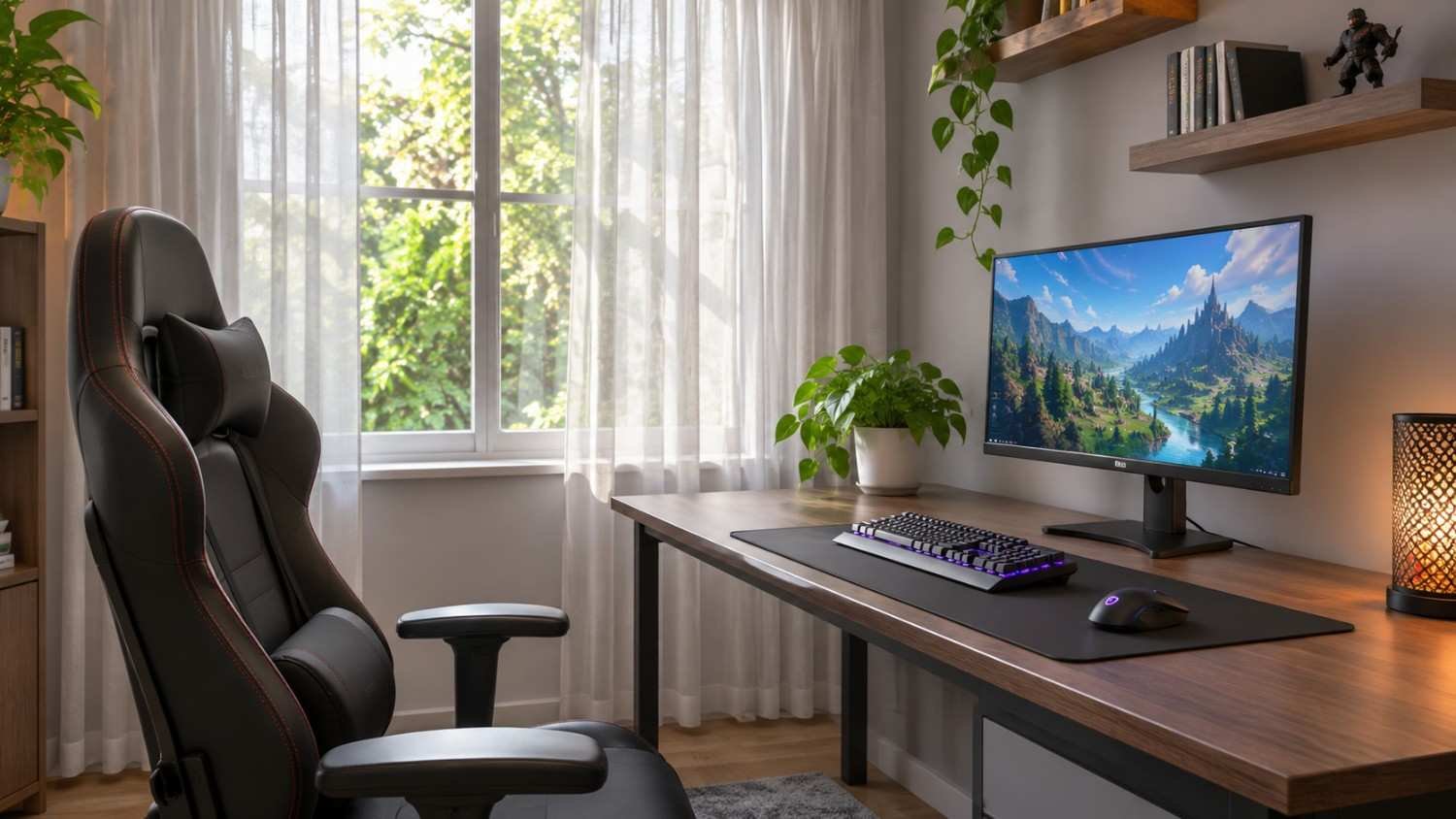
The most effective starting point is positioning your monitor perpendicular to the window.
Ideally, the window should sit directly to your left or right rather than behind your chair or directly behind your monitor.
This 90-degree arrangement reduces the likelihood of sunlight bouncing toward your eyes and prevents excessive brightness differences behind the screen.
I recommend testing this position before buying anti-glare accessories. Even rotating your desk slightly can make a noticeable difference.
Should You Tilt Your Gaming Monitor to Reduce Glare?
Yes, adjusting the monitor angle can redirect unwanted reflections.
Try tilting the screen slightly downward and observe whether the glare moves away from your viewing position. Some setups may benefit from a 10–20-degree adjustment, but this isn’t a universal recommendation.
Keep the screen at a comfortable height and avoid excessive tilting that forces you to bend your neck.
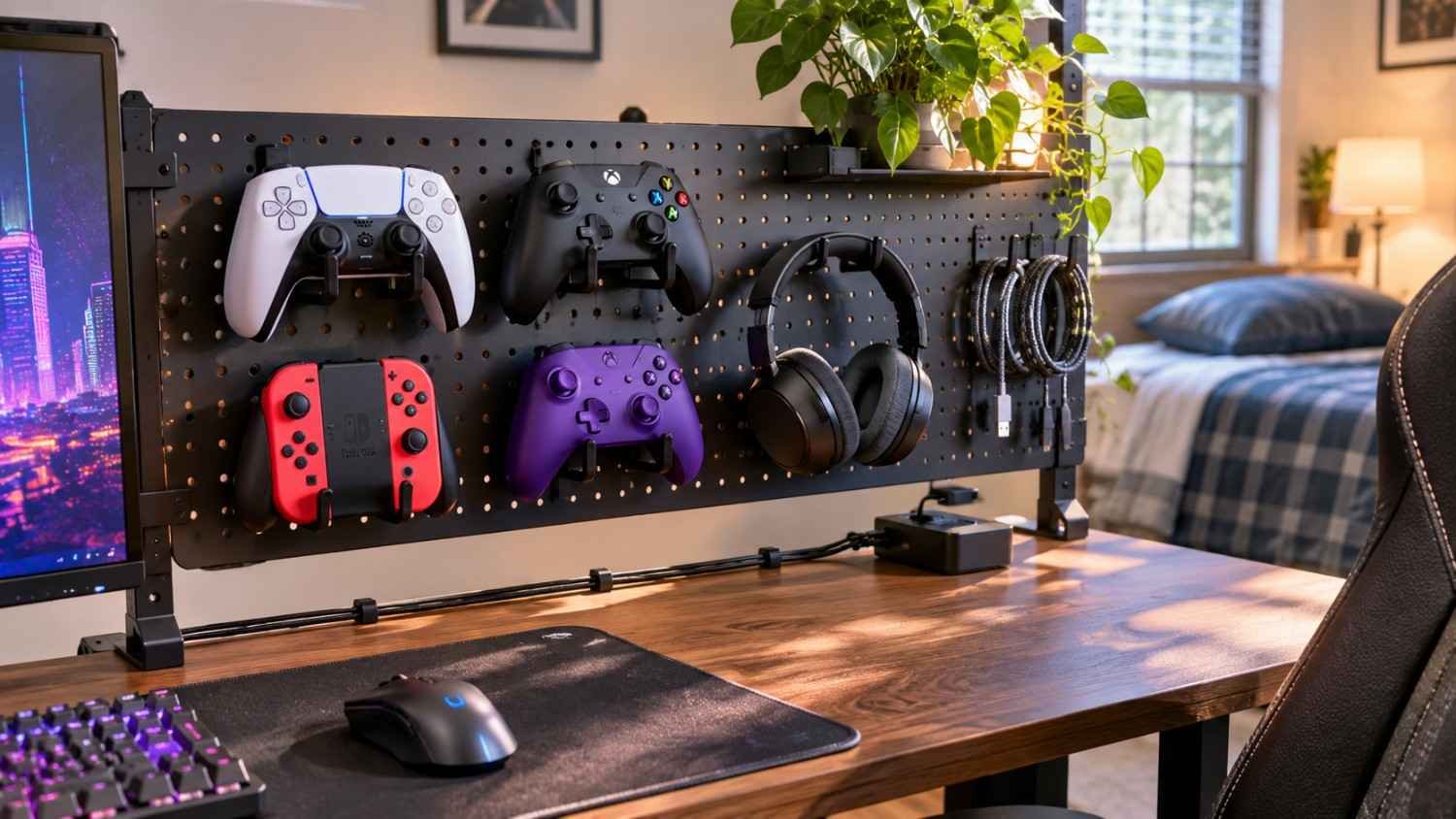
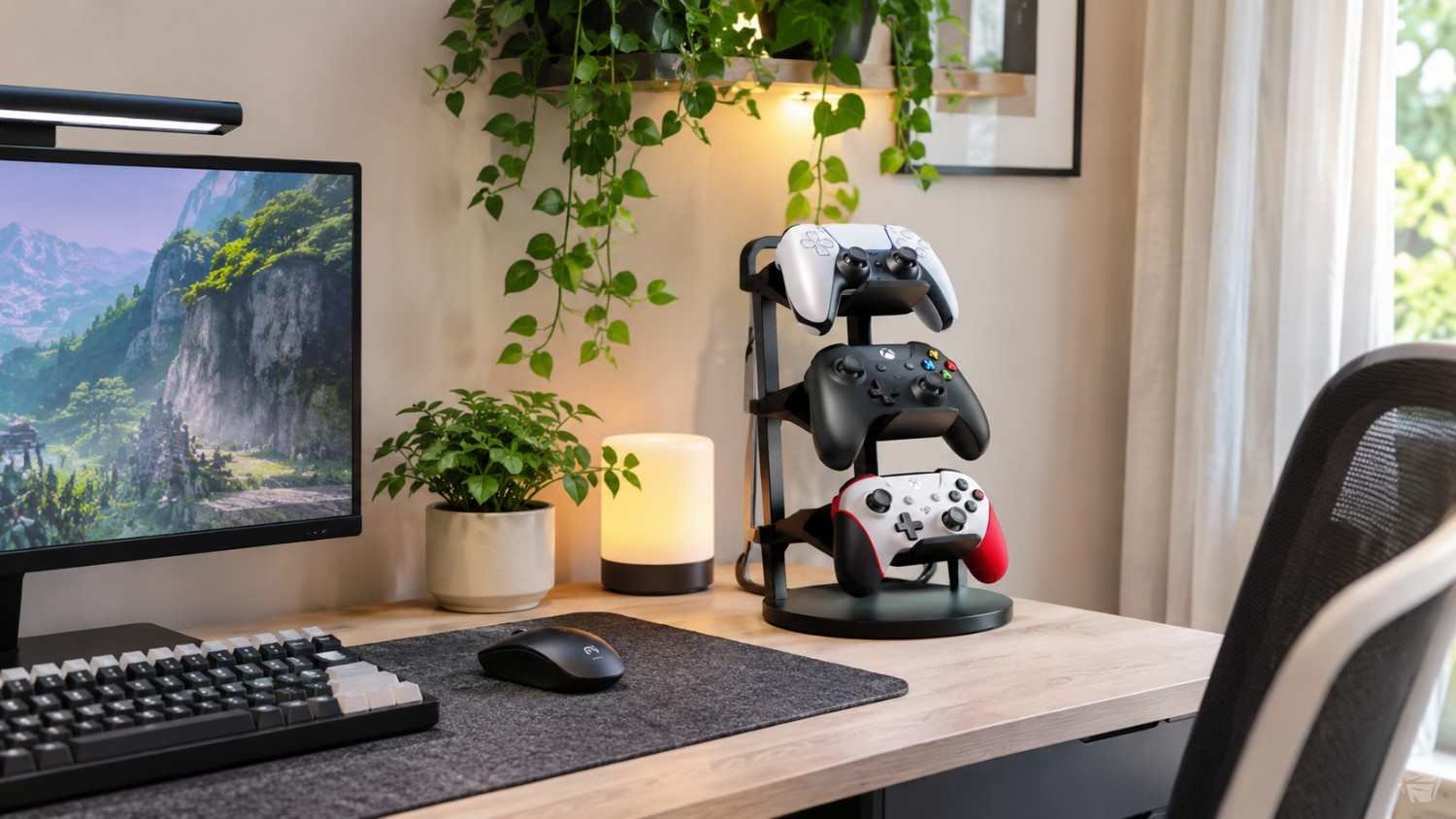
A monitor arm makes these adjustments easier, especially when using curved or ultrawide gaming monitors. You can also explore gaming desk organization ideas without buying accessories by rearranging your existing equipment, clearing unnecessary items from around the monitor, and adjusting your desk layout to reduce reflections while maintaining a comfortable gaming environment.
How Can You Block Window Glare Without Making Your Gaming Room Dark?
Install Light-Filtering Curtains or Adjustable Blinds
You don’t need blackout curtains to control sunlight.
Sheer curtains, roller shades, and adjustable Venetian blinds can diffuse harsh daylight while keeping your gaming room naturally illuminated.
If your window faces west, afternoon sunlight may become particularly intense. Adjusting the blinds throughout the day helps prevent direct light from reaching your display.
For renters, tension-mounted shades or other removable window coverings can provide convenient alternatives to permanent installations.
Can Wearing Dark Clothes Reduce Screen Reflections?
Surprisingly, your clothing can contribute to visible reflections.
Light-colored shirts may reflect sunlight onto glossy monitors, particularly when you’re playing games with dark backgrounds.
Wearing darker clothing can reduce these visible reflections in some setups.
Although this won’t solve severe window glare, it’s a simple adjustment worth trying before purchasing additional equipment.
What Gaming Monitor Brightness Settings Work Best During Daylight?
When figuring out how to reduce glare on a gaming monitor near a window, adjusting brightness can improve visibility, but it won’t physically remove reflections.
Start with your monitor’s standard picture mode and gradually increase brightness until game details become comfortable to see.
Avoid automatically using maximum brightness because excessive screen illumination may cause discomfort during longer sessions.
Should You Disable Automatic Brightness Adjustment?
Some gaming monitors automatically adjust brightness based on room lighting or displayed content.
If these adjustments create distracting brightness changes during gameplay, try a stable manual brightness setting.
However, automatic brightness features can be useful, so disable them only when necessary. Keep manufacturer-recommended OLED protection features enabled.
How Do Black Equalizer and Shadow Boost Improve Gaming Visibility?
Gaming monitors often include features called Black Equalizer, Shadow Boost, or Black Level adjustments.
These settings brighten darker image areas, helping you distinguish enemies, pathways, and objects in shadow-heavy games.
They can be particularly useful in competitive FPS titles where visibility matters.
However, excessive adjustment can make dark scenes appear washed out. Increase these settings gradually while preserving natural contrast.
For HDR gaming, use properly supported HDR modes instead of aggressively modifying every contrast setting.
Do Anti-Glare Screen Protectors Actually Work for Gaming?
A matte anti-glare screen protector scatters reflected light, reducing sharp reflections from nearby windows.
This can be helpful if your gaming desk cannot be repositioned.
However, some protectors introduce slight haze, reduce perceived sharpness, or affect color appearance.
Before purchasing one, check compatibility with your monitor’s dimensions, curvature, and existing coating.
For the best results, I recommend controlling direct sunlight before adding a screen protector.
Are OLED, IPS, and Curved Gaming Monitors Different When It Comes to Glare?
OLED monitors deliver excellent black levels, but glossy OLED displays can reveal noticeable reflections in bright rooms.
Many IPS monitors feature matte coatings that reduce mirror-like reflections, although IPS technology itself doesn’t guarantee better glare resistance.
Curved gaming monitors may reflect light differently across their surfaces because of their shape.
Ultimately, the screen finish, anti-reflective coating, and room lighting matter more than panel type alone.
Can a Monitor Light Bar Help Reduce Gaming Screen Glare?
A well-designed monitor light bar directs illumination downward onto your keyboard and desk without shining directly onto the screen.
This creates more balanced lighting during evening gaming sessions and reduces reliance on bright overhead lamps.
Soft bias lighting behind your monitor can also make nighttime viewing more comfortable.
However, neither solution eliminates direct sunlight reflections. For daytime glare, window positioning and adjustable blinds remain more effective.
What Common Mistakes Make Gaming Monitor Glare Worse?
One common mistake is increasing brightness to maximum instead of controlling incoming sunlight.
Another is positioning a bright desk lamp behind your chair, which may create additional screen reflections.
Dark mode and blue-light filters also cannot eliminate physical glare because they change displayed colors rather than reflected light.
Glossy furniture, mirrors, and nearby glass surfaces may introduce additional reflections.
For a comfortable gaming environment, prioritize physical sunlight control, appropriate monitor positioning, and balanced lighting before adjusting advanced display settings.
Frequently Asked Questions (FAQs)
1. How Can I Reduce Gaming Monitor Glare Without Moving My Desk?
Use adjustable blinds, light-filtering curtains, or a compatible matte screen protector. Slightly rotating or tilting your display can also redirect reflections away from your eyes.
2. Is It Better to Face a Window or Have It Behind Your Gaming Monitor?
Neither arrangement is ideal. Facing a window creates strong background brightness, while placing a window behind you often produces direct reflections. A perpendicular monitor position is usually preferable.
3. What Is the Best Monitor Brightness for Gaming in Sunlight?
There is no universal setting. Adjust your brightness to match ambient lighting while maintaining comfortable visibility and accurate image details.
4. Can Direct Sunlight Damage a Gaming Monitor?
Prolonged direct sunlight can increase screen and enclosure temperatures. Excessive heat may affect monitor components, so avoid exposing your display to intense sunlight for extended periods.
Final Thoughts: Enjoy Gaming Without Distracting Window Reflections
I believe a good gaming setup should offer both natural lighting and clear screen visibility. Fortunately, most glare problems can be improved without investing in a new monitor.
The most effective approach to reducing glare on a gaming monitor near a window combines perpendicular monitor positioning, adjustable blinds, comfortable brightness settings, and thoughtful room lighting.
For competitive gaming, features such as Black Equalizer can improve shadow visibility, while matte screen protection may help when sunlight remains difficult to control.
With these practical adjustments, you can create a comfortable gaming space that stays bright, functional, and enjoyable throughout the day.