
Nothing ruins a clean gaming setup faster than dust covering your monitor, keyboard, and PC case. I have noticed that even an organized gaming station can become dusty within days, particularly when it sits in a bedroom with carpeting, pets, or limited ventilation.
Understanding how to prevent dust buildup around a gaming pc desk starts with controlling airborne particles, improving computer placement, and creating a practical cleaning routine.
Fortunately, you do not need expensive accessories or daily deep cleaning. A few changes to your setup can make dust easier to manage while protecting your gaming equipment.
Why Does Dust Collect So Quickly Around a Gaming PC Desk?
Dust comes from multiple sources, including clothing fibers, bedding, carpets, pet dander, skin flakes, and outdoor particles entering through windows.
Gaming PCs also circulate air continuously during operation. Their cooling fans draw airborne particles toward intake vents, where dust can collect on filters, fans, and internal components.
Static electricity can make lightweight particles cling to plastic surfaces. Meanwhile, tangled cables and crowded desktops create spaces where dust accumulates unnoticed.
I recommend identifying these sources before purchasing additional cleaning equipment.
How Can You Position Your Gaming PC to Reduce Dust?
Keep Your Gaming PC Elevated Above Carpeted Floors
Placing a gaming tower directly on carpeting exposes it to nearby lint and debris while potentially obstructing bottom ventilation openings.
I prefer using a sturdy PC riser, compact side table, or dedicated space on the desktop.
This arrangement makes floor cleaning easier and keeps ventilation openings away from thick carpet fibers.
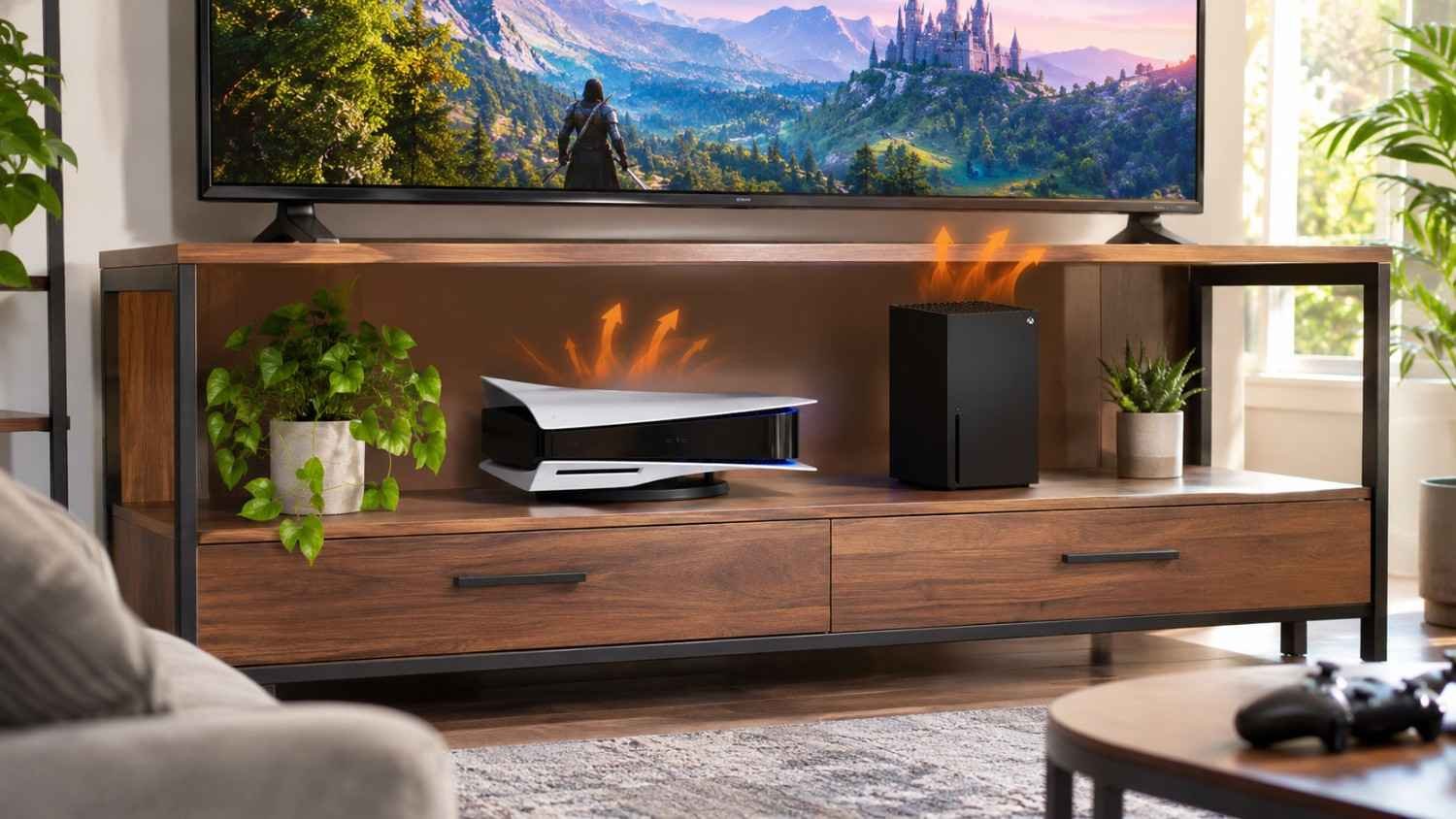
Leave adequate clearance around the case, especially near intake and exhaust vents. Follow the manufacturer’s recommendations rather than pushing the tower against a wall or enclosing it inside a tight cabinet.
Maintain Positive Air Pressure Inside Your Gaming PC
Positive case pressure can help limit unfiltered dust entering through small openings.
This happens when filtered intake airflow exceeds exhaust airflow. Adjusting fan curves may help achieve this balance, but simply installing more intake fans does not guarantee positive pressure.
I recommend keeping intake pathways unobstructed while monitoring CPU and GPU temperatures.
The objective is effective cooling with less unfiltered air entering the case.
Do Magnetic Dust Filters Help Keep Gaming PCs Cleaner?
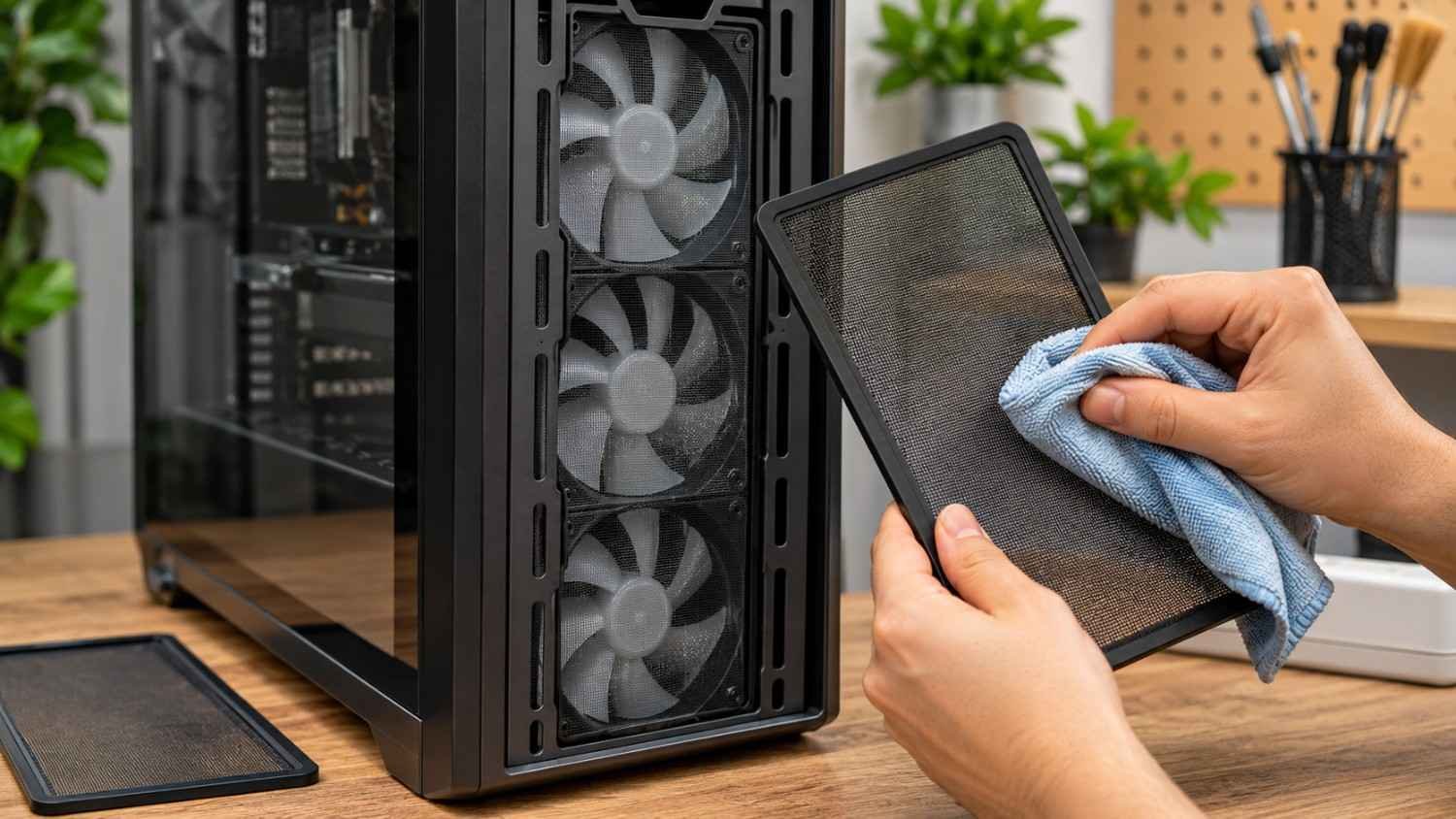
Fine-mesh magnetic dust filters can capture larger airborne particles before they reach internal components.
Install compatible filters over appropriate intake openings without unnecessarily restricting ventilation.
I recommend inspecting filters monthly and cleaning them whenever visible dust accumulates.
If the manufacturer permits washing, rinse removable filters gently and allow them to dry completely before reinstalling them.
Never operate the computer with damp filters or assume additional filtration always improves cooling.
Can an Air Purifier Reduce Dust Around a Gaming Desk?
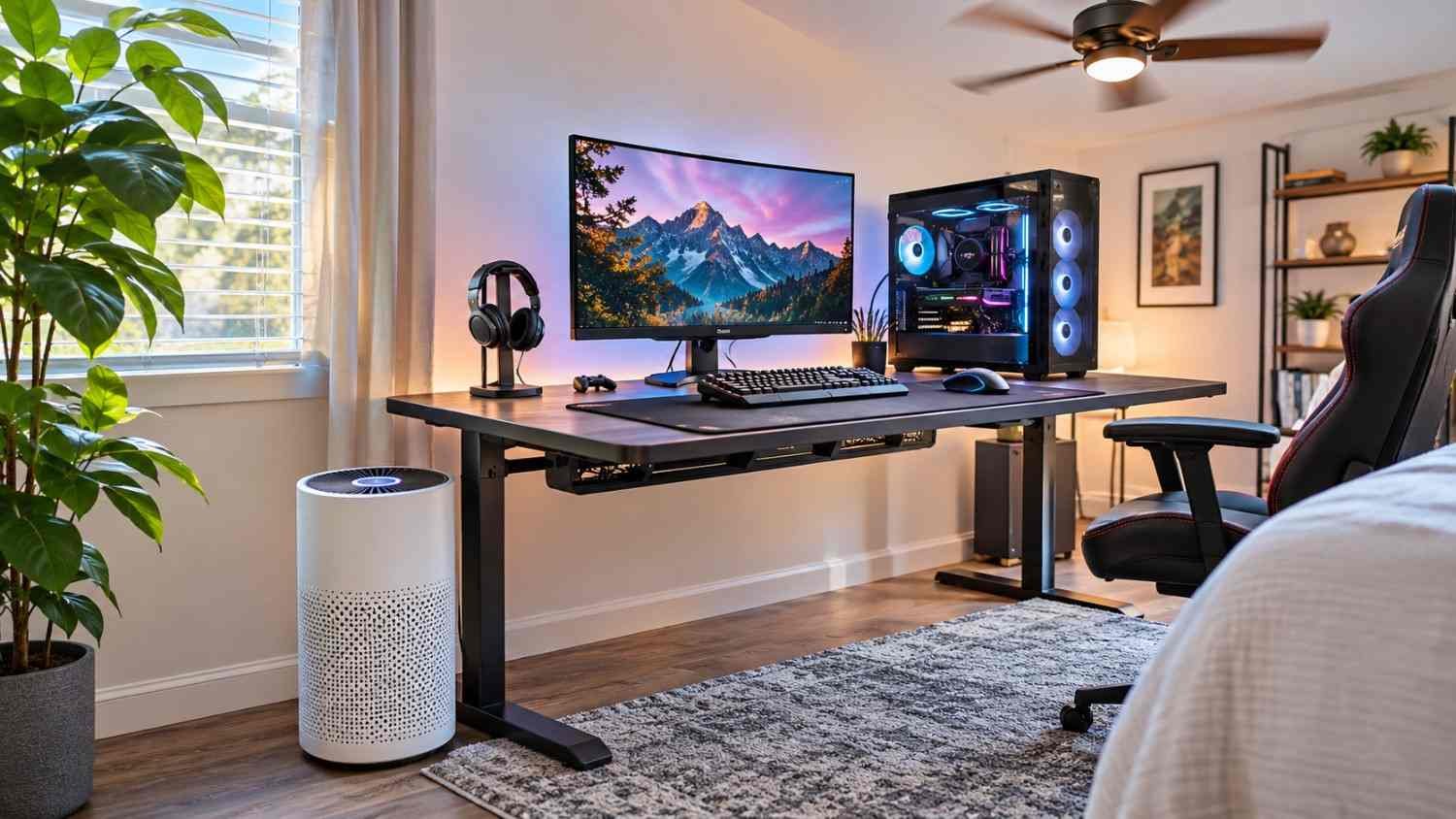
A True HEPA air purifier can help capture airborne dust, pollen, pet dander, and other particles before some of them settle on nearby surfaces.
Choose a purifier with a suitable Clean Air Delivery Rate (CADR) for your room. Position it near the gaming area if practical, while maintaining the manufacturer’s required clearance.
An approximate distance of three to five feet may work for some setups, but it is not a universal requirement.
I would also maintain HVAC filters according to manufacturer guidance. Air purification works best alongside vacuuming and regular surface cleaning.
How Can You Reduce Static and Dust on Gaming Desk Surfaces?
Plastic PC panels and certain desk materials can develop static charges that attract lightweight dust particles.
I recommend wiping compatible exterior surfaces with a microfiber cloth and using electronics-safe anti-static products only when the manufacturer approves them.
Avoid applying diluted fabric softener, household sprays, or unapproved chemicals to monitors and computer components. These products can leave residues or damage protective coatings.
A clean microfiber cloth is usually sufficient for routine dust removal.
Do Cloth Mousepads Collect More Dust Than Hard Desk Mats?
Large fabric mousepads provide comfortable mouse movement, but their woven surfaces can trap lint, pet hair, and skin particles.
Hard plastic, glass, or smooth leather desk mats are generally easier to wipe clean.
However, I would not replace a comfortable gaming mousepad solely because it collects dust. Regular cleaning may be enough.
If you prefer low-maintenance accessories, consider a hard mousepad compatible with your gaming mouse and playing style.
How Does Cable Management Prevent Dust Under a Gaming Desk?
Loose cables and power strips create difficult-to-clean spaces beneath gaming desks.
For effective gaming desk cable management, I recommend using under-desk cable trays, reusable straps, cable clips, or neoprene sleeves.
Keeping cords and compatible power accessories away from the floor makes vacuuming easier and reduces clutter where dust collects.
Avoid tightly packing power equipment, covering ventilation openings, or placing excessive weight on cable trays.
A tidy cable arrangement also makes future maintenance considerably easier.
Does Better Room Air Circulation Reduce Dust Buildup?
Proper air circulation helps prevent uncomfortable stagnant conditions, but moving air alone does not remove dust.
Ceiling fans and compact room fans can redistribute particles, sometimes increasing the amount that remains airborne.
I prefer combining controlled room circulation with effective HVAC filtration or a properly sized air purifier.
Regularly vacuum carpets, damp-clean hard flooring, wash bedding, and remove pet hair from nearby furniture.
These habits are especially helpful for gaming setups located in American homes with carpeted bedrooms or pets.
How Often Should You Clean a Gaming PC and Desk?
Weekly: Wipe Your Gaming Desk and Accessories
Use a dry or slightly damp microfiber cloth on suitable desk surfaces. Clean keyboards, mousepads, monitor exteriors, and nearby accessories according to their care instructions.
Avoid feather dusters that scatter particles rather than capturing them.
Monthly: Check Filters and PC Ventilation
Inspect intake filters, fan grilles, cable trays, and surrounding flooring.
I also recommend checking whether accumulated dust is restricting airflow or contributing to higher operating temperatures.
When Needed: Clean Internal PC Components Safely
Shut down and unplug the computer before internal cleaning.
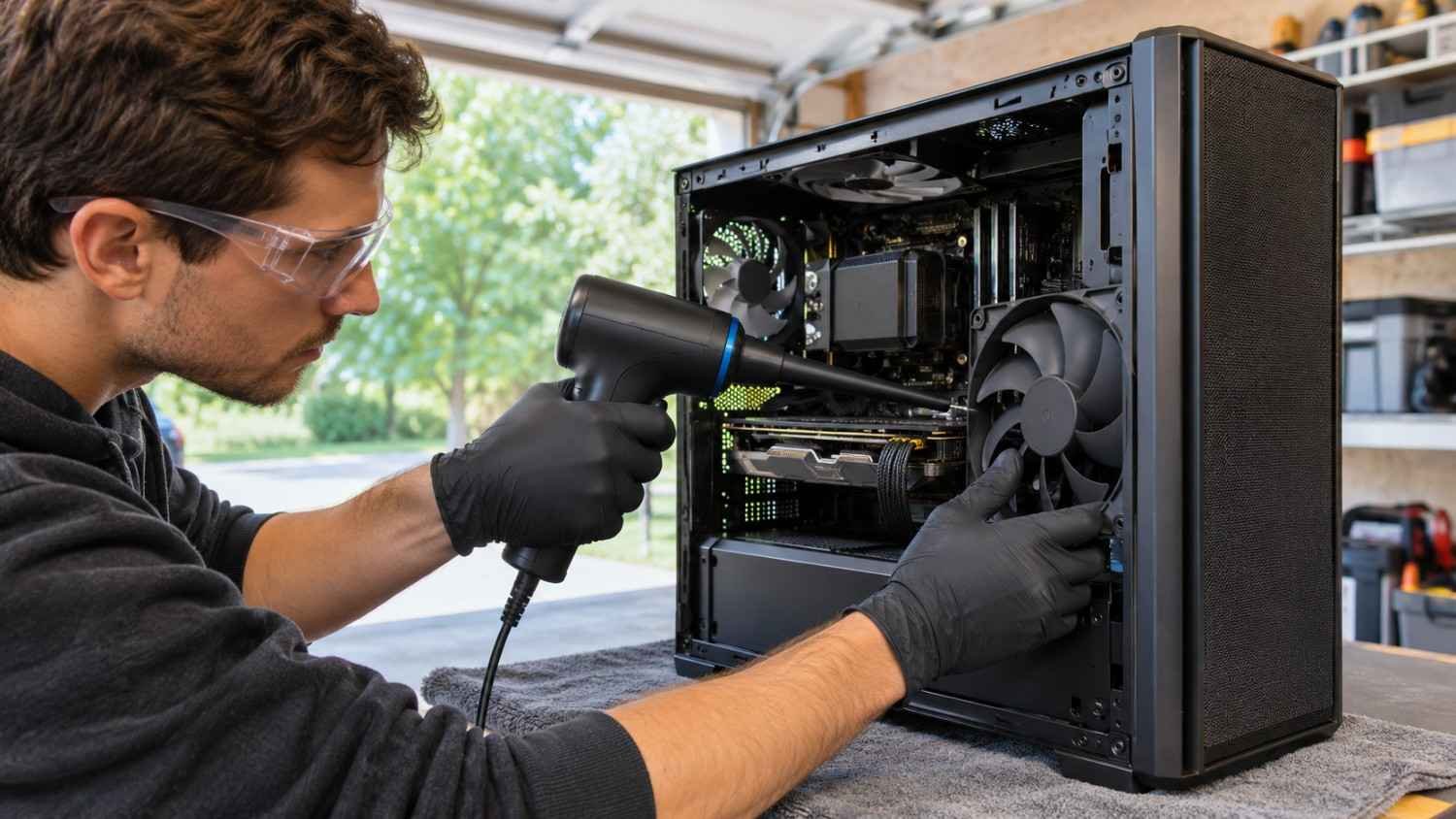
Move the tower to a suitable, well-ventilated location, such as a dry garage, and use short bursts from an electronics-safe compressed-air can or electric duster.
Keep fan blades stationary while cleaning and avoid touching sensitive components unnecessarily.
Monthly internal cleaning is not essential for every PC. Base the frequency on visible buildup and your environment.
Frequently Asked Questions (FAQs)
1. Does Elevating a Gaming PC Prevent Dust Completely?
No. Elevating the tower reduces exposure to floor-level debris but cannot eliminate airborne dust. Filters and regular cleaning remain necessary.
2. Can I Use Compressed Air to Clean Gaming PC Fans?
Yes. Power off and unplug the computer, keep fan blades stationary, and follow the air duster’s safety instructions. Never spray liquid propellant onto components.
3. Is a Hard Mousepad Better for Dust Prevention?
Hard mousepads are generally easier to wipe clean, while fabric mats can retain more lint and hair. The best choice depends on comfort and gaming preferences.
4. What Is the Easiest Way to Keep a Gaming Desk Dust-Free?
Elevate the PC, organize cables, regularly clean nearby flooring, maintain dust filters, and wipe exposed surfaces with microfiber cloths.
Conclusion
Learning how to prevent dust buildup around a gaming pc desk does not require constant cleaning or expensive equipment.
I believe the most effective approach combines thoughtful PC placement, filtered airflow, accessible cable management, and consistent room maintenance.
Start by raising your computer off carpeting, checking its dust filters, and removing unnecessary clutter. When exploring gaming desk organization ideas without buying accessories, focus on rearranging existing equipment, keeping surfaces clutter-free, and making hard-to-reach areas easier to clean.
Then improve air filtration, choose easy-to-clean accessories, and establish a manageable cleaning schedule.
These simple habits can help your gaming setup stay cleaner, maintain proper airflow, and remain comfortable for longer gaming sessions.