
Sharing a bedroom with another gamer can be exciting until you realize how much space two computers, gaming chairs, monitors, and accessories actually need. I’ve seen beautiful dual gaming setups become uncomfortable because the desks were positioned poorly, cables covered the floor, or both players constantly bumped into each other.
Learning how to arrange two gaming setups in one bedroom requires more than placing two desks against a wall. You need to balance available space, electrical safety, ventilation, noise control, and individual comfort.
Whether you’re sharing a bedroom with your partner, sibling, or roommate, I’ll explain practical arrangements that make two gaming stations work without sacrificing your sleeping space.
What Should You Consider Before Arranging Two Gaming Setups?
Before moving furniture, I recommend measuring your bedroom, bed, desks, and gaming chairs. A layout that looks spacious in photographs might not work in a 10 × 10-foot bedroom.
Allow approximately 24–30 inches of desk depth and enough clearance for each gaming chair to move comfortably. Aim for roughly 36 inches behind desks where possible, while keeping doors and closets accessible.
Also, identify electrical outlets, windows, air vents, and natural walking paths. If you’re working with limited space, exploring gaming desk organization ideas without buying accessories can help you rearrange existing equipment, reduce clutter, and create more usable desk space. Good visual symmetry helps a shared gaming bedroom look organized, but functionality should always come first.
What Are the Best Dual Gaming Setup Layouts for One Bedroom?
1. Side-by-Side Gaming Desks for Couples and Siblings
A side-by-side dual gaming setup places both desks against the same wall. I recommend this arrangement for couples who stream together or siblings who enjoy cooperative gaming.
Matching monitors and furniture create visual symmetry, while individual mouse pads establish personal space. However, this arrangement requires a long wall and can cause screen glare or microphone interference.
Leave approximately 12–18 inches between mouse-pad edges when desk space permits to reduce accidental arm collisions.
2. Back-to-Back Gaming Setups for Better Privacy
A back-to-back arrangement positions two desks facing opposite directions, with gaming chairs extending toward the center.
This layout provides greater screen privacy and reduces direct visual distractions. However, chairs can collide in narrow bedrooms, especially when both players move backward simultaneously.
I recommend this arrangement only when the room provides enough central clearance.
3. L-Shaped Gaming Desk Setup for Small Bedrooms
An L-shaped gaming desk for two uses adjacent walls to create separate gaming stations within one corner.
It’s one of my favorite small bedroom gaming setup ideas because it uses otherwise wasted corner space.
However, one player may have limited shoulder room or feel trapped against the wall. Position desks carefully so both gamers can enter and leave comfortably.
4. Face-to-Face Gaming Desks for Larger Bedrooms
A face-to-face arrangement places two desks opposite each other, often with their rear edges together.
This creates an interactive gaming environment where both players can communicate easily.
However, it requires considerable floor space and makes rear-monitor cable management challenging. I wouldn’t recommend it for a cramped bedroom.
5. Place Gaming Desks Against Opposite Walls
For a gaming room setup for two people, placing desks against opposite bedroom walls can provide separate gaming zones.
Unlike back-to-back desks positioned in the center, these workstations remain near the walls, potentially leaving more usable space around the bed.
This configuration works well when gamers prefer independent activities or different lighting settings.
6. Use Two Separate Bedroom Corners
Positioning gaming stations in different corners is useful when windows, closets, or doorways interrupt long walls.
I suggest choosing compact desks and matching furniture colors to create a coordinated appearance without forcing an identical layout.
7. Choose One Long Shared Gaming Desk
A single 96–120-inch desk can accommodate two complete gaming stations if its construction and weight capacity are suitable.
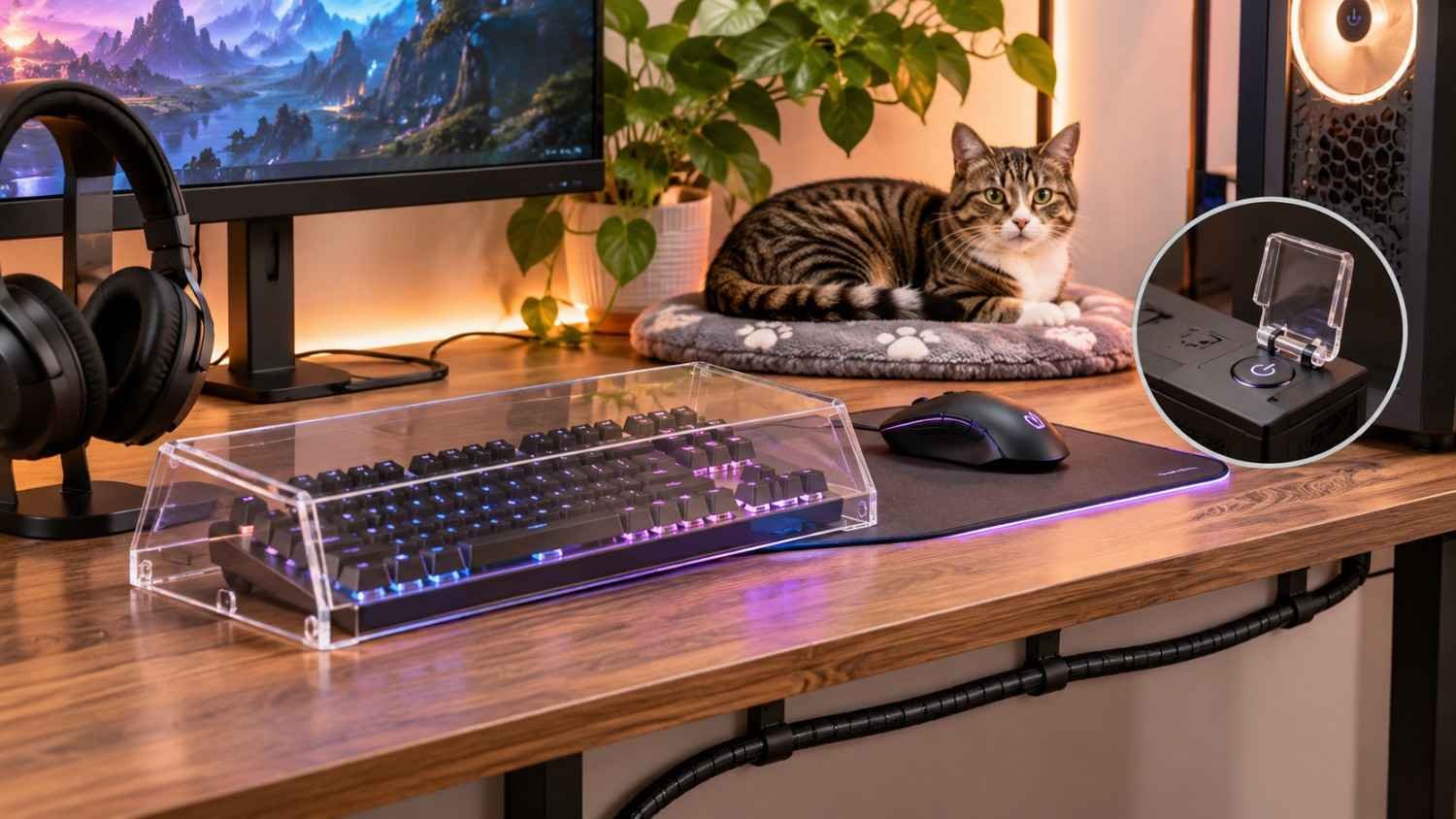
Monitor arms, headset hooks, and under-desk storage help maintain individual workspaces while reducing clutter.
8. Position One Desk Near the Bed and Another by a Window
When bedroom furniture limits your options, use available walls creatively.
One gaming station can occupy space beside the bed while another sits near a window. Avoid blocking natural light, door access, or creating excessive monitor glare.
9. Use a Loft Bed to Create Extra Gaming Space
A loft bed can free floor space for one gaming station underneath, leaving another wall available for the second setup.
Always verify ceiling clearance, structural weight limits, and ventilation before choosing this arrangement.
How Do You Prevent Electrical Overloads With Two Gaming PCs?
Electrical safety is essential when figuring out how to arrange two gaming setups in one bedroom, especially with two powerful computers, monitors, and sound systems.
Many US bedrooms use 120-volt circuits protected by 15-amp breakers, although configurations vary. An 850-watt PC power supply doesn’t necessarily consume 850 watts continuously, so evaluate actual equipment consumption rather than relying on power supply ratings.
I recommend identifying which outlets share a circuit before connecting everything. Use appropriately rated, safety-certified surge protectors plugged directly into wall outlets. Never daisy-chain power strips.
Avoid permanent extension-cord arrangements, particularly cords running through doorways or from bathrooms. If electrical capacity is insufficient, consult a licensed electrician about additional circuits.
Staggering computer startup times may help reduce simultaneous startup demand, but it cannot fix an overloaded circuit. <Cite ref=”turn170072search0″/> <Cite ref=”turn170072search19″/>
How Can Two Gamers Reduce Microphone Echo and Background Noise?
Two gamers using Discord simultaneously can experience voice overlap when nearby microphones capture the same conversation.
I recommend close-positioned, directional dynamic microphones, such as the Shure MV7 or Audio-Technica ATR2100x, rather than relying on distant microphones. Dynamic microphones aren’t automatically noise-proof, but careful positioning helps reduce unwanted pickup.
Enable Krisp Noise Suppression in Discord’s Voice & Video settings and adjust input sensitivity to prevent nearby speech from repeatedly activating both microphones. Test the results because noise suppression cannot eliminate every second voice. <Cite ref=”turn170072search10″/>
For side-by-side setups, consider a sound-absorbing desk divider or a tall artificial plant for visual privacy. A plant alone won’t provide meaningful soundproofing.
How Do You Save Space and Improve Gaming Ergonomics?
Two gaming setups in one room can quickly create clutter if PC towers, chairs, and accessories compete for the same floor space.
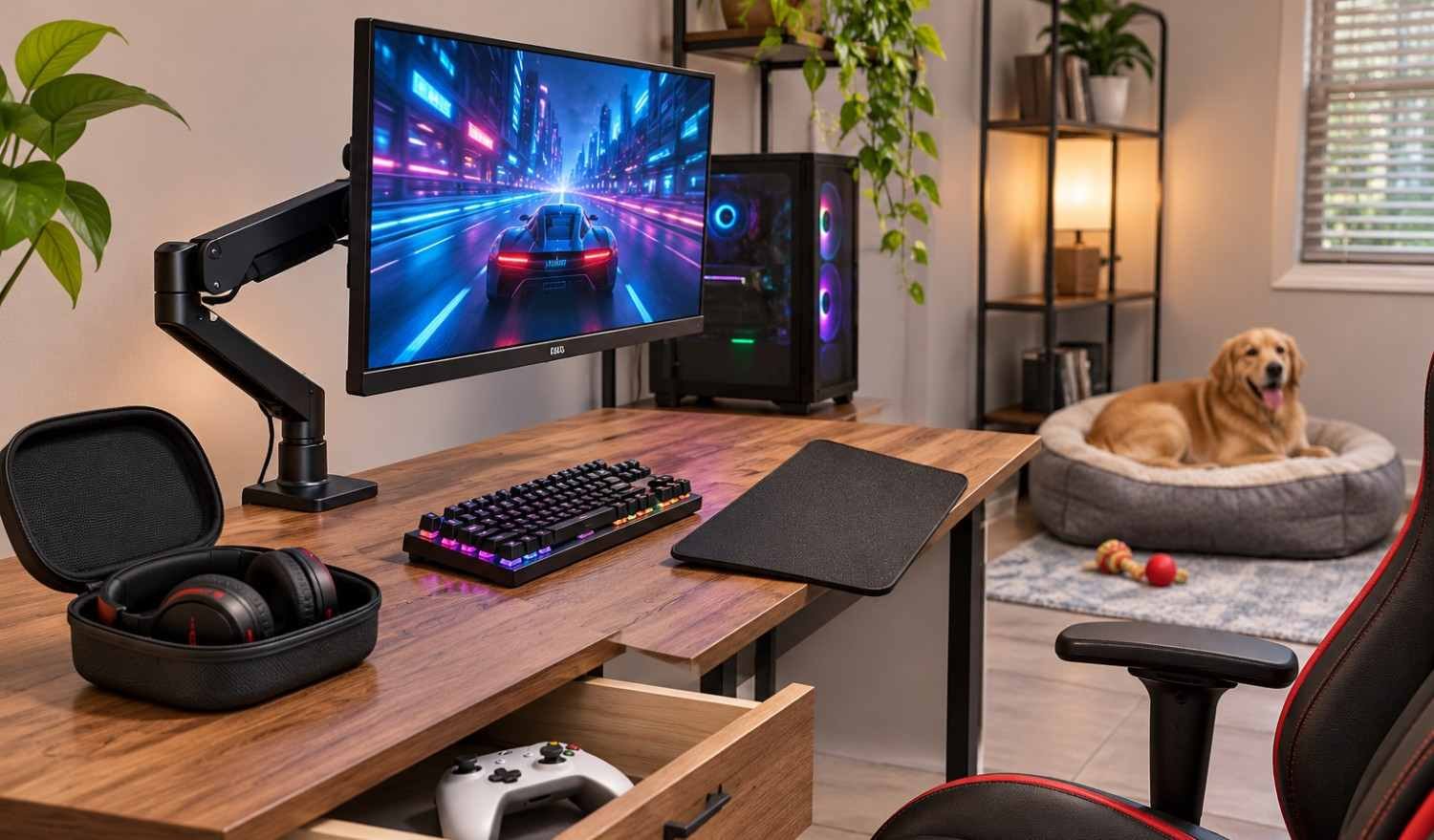
I prefer using monitor arms, vertical storage, cable trays, and sturdy desktop PC stands. Wall-mounted PC shelves are another option when properly rated and securely installed.
Keep ventilation openings unobstructed and avoid placing towers where chair wheels or feet could damage cables.
For side-by-side gaming desks, adjust chair and armrest positions to avoid collisions. Independent mouse movement space matters more than perfectly matching desk heights.
How Can You Manage Lighting, Heat, and Cable Clutter?
Two gaming PCs can generate substantial heat during demanding sessions. Keep air vents clear, maintain reasonable airflow around both systems, and avoid enclosed PC cabinets without appropriate ventilation.
Separate LED lighting zones allow one person to game without disturbing the other.
For gaming setup cable management, route cords underneath desks using trays or clips. Never place power cables beneath rugs or across walkways.
Frequently Asked Questions (FAQs)
1. Can Two Gaming Setups Fit in a 10 × 10 Bedroom?
Yes, depending on the bed size and furniture dimensions. Compact desks, monitor arms, and efficient corner layouts can help preserve necessary walking space.
2. What Is the Best Gaming Desk Arrangement for Two People?
Side-by-side desks work well for cooperative gaming, while opposite-wall arrangements provide greater independence. L-shaped layouts can be useful in smaller bedrooms.
3. How Do You Arrange Two Gaming Stations Without Overcrowding?
Prioritize compact furniture, vertical storage, clear walking paths, and sufficient chair clearance. Avoid oversized accessories that reduce usable floor space.
4. Can Two Gaming PCs Safely Share One Electrical Circuit?
Possibly, depending on their actual power consumption and other electrical loads. Check circuit capacity and consult a qualified electrician when uncertain.
Conclusion
I’ve found that creating a comfortable shared gaming bedroom depends more on thoughtful planning than expensive furniture. The right arrangement balances personal space, electrical safety, ventilation, and everyday convenience.
Once you understand how to arrange two gaming setups in one bedroom, you can choose between side-by-side desks, corner configurations, or separate gaming zones without turning your bedroom into a crowded equipment area.
My recommendation is simple: measure first, prioritize safety, and create two comfortable gaming spaces that still leave room to relax.