
Let’s face it — gaming on a low-end laptop doesn’t have to mean compromising on fun. As someone who’s been there, I know the struggle of finding games that run smoothly without overwhelming your system.
But fear not! After testing countless titles and digging deep into the world of indie games, I’ve put together the ultimate list of the best indie games for low-end laptops in 2026. Whether your laptop has integrated graphics or a dual-core processor, these gems will provide hours of entertainment — without slowing you down.
What Makes a Game Ideal for Low-End Laptops?
To start with, the best games for lightweight systems are those that don’t rely on high-end hardware. Compared to AAA titles, indie games often feature optimized graphics, pixel or 2D art styles, and modest RAM requirements, making them perfect for laptops with 4GB RAM or less and integrated GPUs.
Games in this category tend to embrace creative design over raw visual power, allowing them to deliver deeply engaging experiences without demanding powerful processors or graphics cards.
Top Indie Games for Low-End Laptops in 2026
Now, let’s get into the top indie games for low-end laptops that offer great performance and hours of entertainment. These games are lightweight, highly optimized, and fun to play, even on older machines.
Vampire Survivors
Vampire Survivors is a viral roguelike that has become one of the best indie games for low-end laptops. This game features automatic attacking, allowing players to focus purely on movement while surviving waves of enemies.
It is perfectly optimized for low-end laptops with integrated graphics and minimal RAM usage. The game requires only 2GB RAM, an Intel Core i3 processor, and 128MB VRAM, making it ideal for older systems.
Slay the Spire
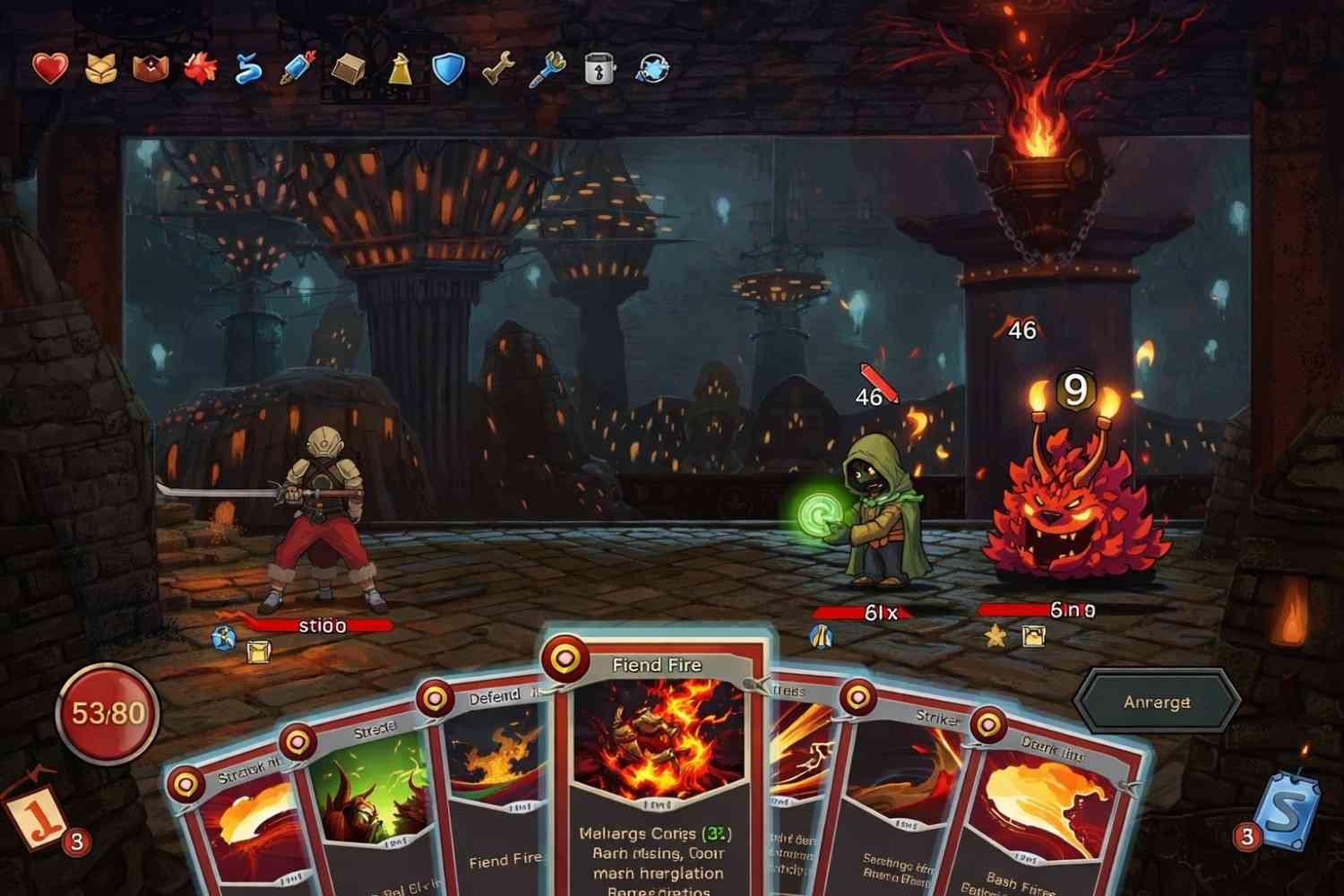
Another excellent choice is Slay the Spire, a deckbuilding roguelike with minimal system requirements. This game has become a fan favorite for its addictive gameplay and strategic depth. It is highly optimized to work seamlessly on low-end systems, requiring only 2GB RAM, Intel Core 2 Duo, and 128MB VRAM.
Slay the Spire is a great game for those looking for something that runs well and keeps you hooked for hours.
Balatro
For something a bit more unique, Balatro offers a poker-themed roguelike. Designed by a solo developer, it runs smoothly on older hardware, requiring just 1GB RAM and an Intel i3 processor. The game is simple, addictive, and offers great replay value, making it a hidden gem for low-end laptop users. You can check it out on Steam here.
Hades II
While visually advanced, Hades II is one of the best-optimized new games of 2026. It runs well even on older GPUs like the GTX 1050, making it another great pick for low-end laptops. With 4GB RAM, Intel Core i5, and 1GB VRAM, you can experience its stunning visuals and fast-paced action.
Hollow Knight: Silksong

For fans of Metroidvania games, Hollow Knight: Silksong is an upcoming sequel that will run on basic PCs. The game is optimized for low-end systems and features fluid combat with a beautiful art style. It’s expected to require just 2GB RAM, an Intel Core i3, and 128MB VRAM.
Celeste
Celeste is another perfect fit for low-end laptops, praised for its tight controls, emotional story, and pixel art style. Its minimal system requirements (2GB RAM, Intel Core 2 Duo, 128MB VRAM) make it one of the most well-known platformers for older systems.
Cuphead
If you’re into action platformers, Cuphead offers a 1930s cartoon art style with challenging boss rush gameplay. Despite its detailed animations, it runs smoothly on low-end laptops, requiring 4GB RAM, an Intel Core i3 processor, and 1GB VRAM.
Terraria
For a more laid-back experience, Terraria is a sandbox action-adventure game that runs perfectly on old systems with 2GB RAM, an Intel Core 2 Duo processor, and 128MB VRAM. Its endless exploration and building mechanics make it a great fit for low-end laptops.
Disco Elysium – The Final Cut
Disco Elysium – The Final Cut is an award-winning RPG with a painterly 2D art style that doesn’t demand high-end graphics. With 4GB RAM, an Intel Core i3 processor, and 1GB VRAM, it runs on most low-end systems while delivering an incredible narrative.
Papers, Please
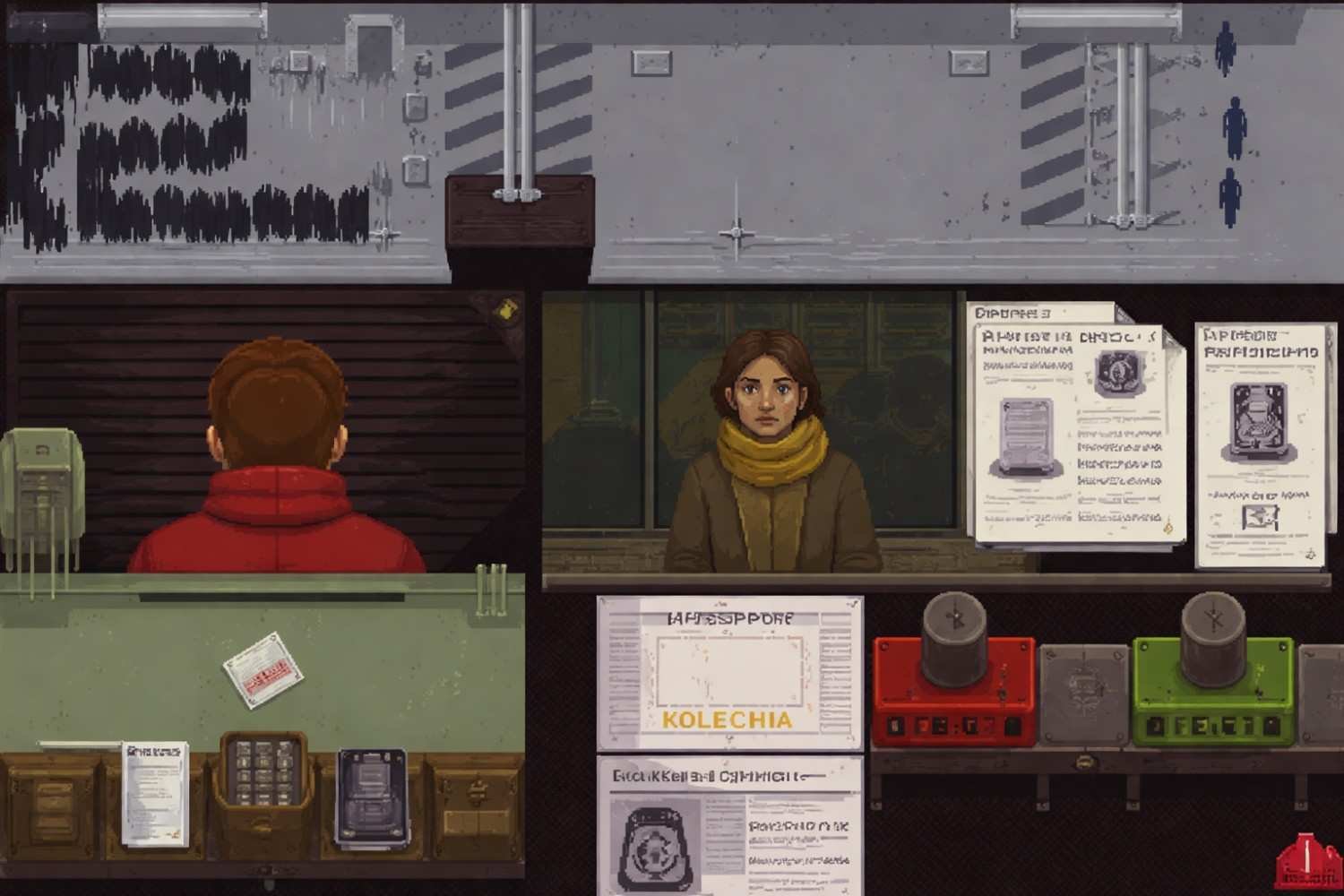
Papers, Please is a minimalist puzzle-simulation game that requires almost nothing from your laptop while delivering a powerful experience with its moral dilemmas and procedural gameplay. With just 1GB RAM, an Intel Core 2 Duo processor, and 128MB VRAM, it’s an ideal choice for those looking for a thought-provoking experience on a low-end laptop.
Frequently Asked Questions (FAQs)
1. Can low-end laptops run modern indie games?
Yes, many modern indie games are designed to run smoothly on older systems, especially those with pixel art or minimalist graphics. Most of the games listed above are optimized for low-end hardware.
2. What are the minimum specs for playing indie games?
To play most indie games, you’ll need 2GB to 4GB RAM, a dual-core processor, and integrated graphics or a basic dedicated GPU.
3. Are there free indie games for low-end laptops?
Absolutely! Games like Celeste offer free demos, and there are many low-cost indie games available on platforms like Steam, especially during sales.
Key Takeaways
The indie gaming scene is packed with gems that deliver exciting, narrative-rich, and endlessly replayable experiences on devices with limited hardware. From roguelikes and strategy to action platformers and cozy simulators, there are countless options that prove you don’t need a high-end machine to enjoy modern gaming in 2026.
Explore these titles, find your favorite, and let your low-end laptop deliver hours of entertainment without compromises.
Gaming Made Easy on Low-End Laptops
Who says you need a high-end PC to enjoy great games? With these best indie games for low-end laptops, you can dive into incredible worlds, tackle challenging roguelikes, or experience emotional stories — all without upgrading your hardware.
Every laptop has the ideal independent game, whether it’s the intense action of Vampire Survivors or the emotional journey of Celeste. Awesome gaming is only a click away, so pick up your laptop, choose a game, and get started.